Cursor 3 turns the IDE into an agent workspace
Anysphere launched Cursor 3 with an agent-first workspace, parallel agents, local-cloud handoff, Design Mode, and Composer 2 as Cursor shifts from editor to orchestration surface.
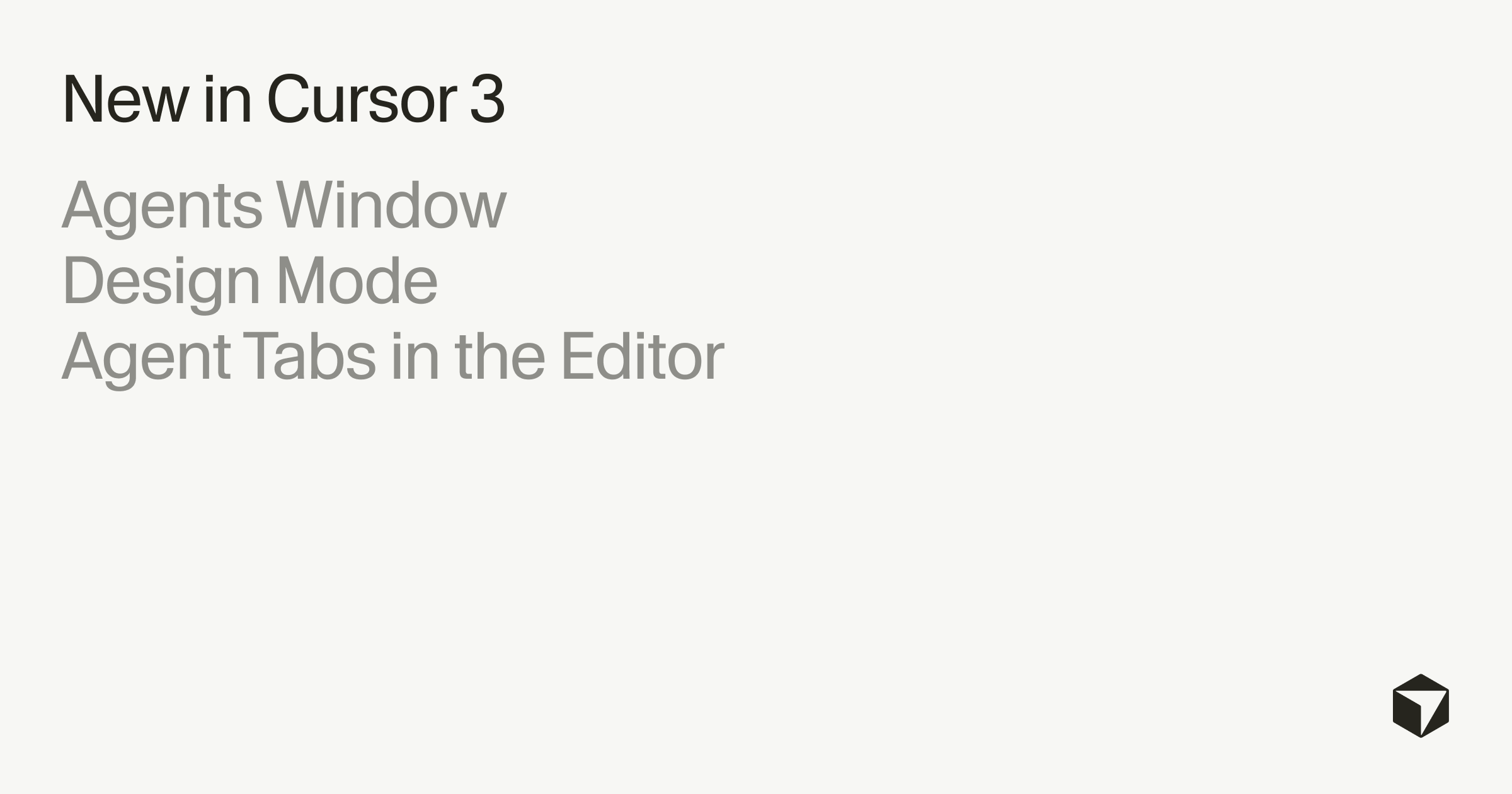
- What happened: Anysphere released
Cursor 3on April 2 with an agent-first workspace that no longer treats the editor as the center of the product.- Agents can run in local folders, Git worktrees, cloud environments, and remote SSH sessions while the user manages them from a dedicated Agents Window.
- Why it matters: Cursor is betting that developers will coordinate multiple coding agents instead of working through one file-and-chat loop at a time.
- Watch: Composer 2,
/best-of-n, BugBot, and Design Mode push Cursor toward a vertically integrated agent platform, but cost and control concerns remain open.- The practical test is whether teams can turn parallel agents into completed work without losing codebase understanding, budget discipline, or review quality.
Anysphere released Cursor 3 on April 2, 2026. The release is not a normal IDE version bump. Cursor’s own framing is that the editor is no longer the center of the experience; it becomes one tool inside a larger agent workspace. For a company that crossed a reported $2 billion in ARR after growing from a VS Code fork into one of the fastest-rising AI coding products, the decision is unusually direct: Cursor is changing the product shape while the old one is still working.
The question behind the release is not only whether developers want another AI panel inside an editor. It is whether the daily software workflow moves from “write code with assistance” to “dispatch, observe, compare, and merge the output of agents.” Cursor 3 is one of the clearest product bets on the second model.
From editor to control room
Cursor’s growth trajectory explains why this release matters. The product started as a VS Code fork for AI-assisted programming. By June 2025, Anysphere had passed a reported $500 million in ARR and reached a $9.9 billion valuation. In November 2025, its Series D valued the company at $29.3 billion. By March 2026, reports put Cursor at $2 billion ARR, roughly a 20x increase from $100 million in 14 months.
That growth came from a familiar interface: editor, autocomplete, chat, code context, and model calls. Cursor 3 moves the visible center of gravity to the Agents Window. The user can launch and monitor multiple agents across local projects, isolated Git worktrees, cloud environments, and remote SSH targets. Agent sessions kicked off from mobile, web, desktop, Slack, GitHub, or Linear appear in one sidebar. Agent Tabs let users place conversations side by side or in a grid.
The interface change encodes a workflow change. A developer can ask one agent to refactor a service, another to repair a failing test suite, and a third to explore a UI variant. Instead of waiting for a single assistant turn, the user supervises parallel work and decides which result should survive code review. Cursor is therefore less like a smarter text editor and more like an operations surface for coding agents.
Local-cloud continuity changes the work unit
Cursor 3 also emphasizes handoff between local and cloud execution. A long-running task can move to the cloud while the developer closes a laptop or starts a different task. When the cloud agent finishes, Cursor can return a result with screenshots or demo output. Mobile and web initiation point to the same direction: a task can start away from the main development machine and later rejoin the desktop workflow.
That changes the practical unit of work. Traditional IDE work is bounded by a local session: open a repo, edit files, run commands, commit. Cursor 3 treats an agent session as a portable object that can move across surfaces. The product promise is continuity. The risk is that the developer may receive more completed-looking changes whose intermediate reasoning, tool calls, and constraints need careful review.
The new /worktree command is part of that safety model. It runs an agent in an isolated Git worktree, so multiple agents can edit without overwriting each other’s files. Because worktrees share the Git object store, the isolation does not require a full duplicate repository every time. For teams already using branch-per-task workflows, this is a natural primitive. For developers new to parallel agent work, it is the difference between experimentation and a messy working directory.
/best-of-n makes model competition a product feature
Cursor 3’s /best-of-n command turns a common agent practice into a first-class workflow. The user can run the same task across several selected models, each in its own isolated worktree, then compare the outputs inside Agent Tabs. Cursor can recommend the best solution.
That feature says something important about where AI coding tools are heading. The product no longer assumes that one model response is the unit of quality. It assumes that serious work may involve parallel attempts, evaluation, and selection. In a human team, that resembles assigning the same problem to several engineers and reviewing tradeoffs. In an agent product, it can improve results, but it also multiplies token usage, review burden, and the number of plausible but incomplete patches.
The execution details matter. If /best-of-n produces three or five changesets, the human still needs to understand what each one changed, which tests passed, and which edge cases were missed. The feature is useful precisely because agents disagree. It is also risky for the same reason.
Design Mode brings the browser into the agent loop
Design Mode is Cursor’s attempt to remove friction from UI work. Instead of describing a button, spacing problem, or layout issue in text, the developer can select elements in a browser preview. The agent receives information about the component tree, computed styles, and surrounding context, then edits the code. Dragging a layout adjustment can become a concrete code change.
This is not only a convenience feature for frontend teams. It narrows the gap between visual feedback and repository context. A common failure mode in AI UI work is that the prompt describes what the user sees, but the model has to infer which component and style layer produced it. Design Mode gives the agent a more precise bridge from rendered screen to source code.
The same release also supports multi-repo workspaces. A single workspace can include several repositories, allowing an agent to update shared backend types and frontend consumers together. That is especially relevant outside neat monorepos, where product work often crosses API, web, mobile, infrastructure, and documentation repositories.
| Area | Classic IDE pattern | Cursor 3 pattern |
|---|---|---|
| Primary surface | Editor with chat and autocomplete attached | Agents Window for launching and monitoring parallel work |
| Execution | One local session, usually one task at a time | Local, worktree, cloud, and SSH agents running side by side |
| Model choice | Pick a model and accept or reject its answer | Run multiple models with /best-of-n and compare patches |
| Frontend edits | Describe the UI problem in prose | Select or drag elements in Design Mode and let the agent map them to code |
| Repository scope | Work inside one opened project | Coordinate changes across multiple repositories |
Composer 2 turns Cursor into a model company
Cursor 3 should also be read together with Composer 2, Anysphere’s proprietary coding model released on March 19. Composer 2 is not just a wrapper around an external frontier model. The Korean source describes it as trained with continued pretraining and reinforcement learning on long-horizon tasks, with a focus on problems that require hundreds of actions.
The pricing is part of the strategy: $0.50 per million input tokens and $2.50 per million output tokens. That is materially lower than many general frontier models. Cursor also pointed to stronger results on Terminal-Bench 2.0 and SWE-bench Multilingual. The product implication is straightforward. If Cursor controls a capable coding model and the agent workspace that routes work to it, it can optimize latency, cost, tool behavior, and evaluation loops more tightly than a pure IDE shell around third-party APIs.
This is the vertical integration trend in AI coding tools. The tool vendor wants the editor surface, the agent runtime, the cloud execution path, the evaluation interface, and increasingly the model layer. Once those layers converge, choosing a coding tool becomes less like choosing an editor extension and more like joining an application platform.
BugBot points in the same direction. Cursor’s PR review bot can run automatically on new pull requests, detect bugs, security issues, and code quality problems, then use BugBot Autofix to patch issues in a cloud VM. The original Korean article cites a merge rate above 35% for autofixes and an improvement in resolution rate from 52% to 76% after more than one million reviewed PRs. Those numbers position PR review not as a side feature but as another agent workflow inside Cursor’s platform.
The AI coding market now has several work styles
Cursor 3 clarifies a split in AI coding products. Claude Code represents the terminal-native path: a developer works directly from the shell with a strong reasoning model and a large context window. OpenAI Codex represents an increasingly cloud-oriented path: assign work to an agent environment, then inspect the result. Cursor 3 is the visual agent-workspace path: launch, observe, compare, and merge agent work inside a GUI.
GitHub Copilot remains the enterprise default in many organizations, with millions of paid users and deep Microsoft distribution. Windsurf has pushed its own Cascade agent workflow. The market is therefore not collapsing into one product shape. It is separating by developer preference, procurement channel, and trust model.
For teams, the relevant question is not which product has the biggest launch announcement. It is where the team wants the human to sit in the loop. Terminal-native tools favor users who want command-line control and explicit local context. Cloud agents favor delegated work with later review. Cursor 3 favors visual management of multiple concurrent agents. Each model changes review habits, access controls, billing patterns, and onboarding.
Adoption will depend on control, cost, and comprehension
The community reaction to Cursor 3 has been split. Supporters describe the Agents Window, cloud handoff, and Design Mode as a real upgrade once they use the product. One Hacker News commenter said the release made sense after downloading it, even though the blog post nearly made them cancel. Cursor engineers also emphasized that Cursor 2-style features remain available, so users are not forced to abandon the existing workflow.
Critics focus on control. Some developers do not want “swarms of agents.” Others still want to code directly rather than push tickets through a vibe-driven workflow. That is not nostalgia. For many tasks, especially security-sensitive changes, architecture decisions, and unfamiliar codebases, direct code reading is still how developers build the judgment needed to review a patch. Parallel agents can increase throughput, but they can also increase cognitive load.
Cost is the other unresolved variable. Cursor’s plan ladder runs from a free Hobby tier to Ultra at $200 per month, with Pro+ at $60 per month suggested for daily agent users in the Korean source. The same source notes reports of individual developers spending as much as $1,800 per month on Cursor usage while comparing alternatives around the $200 range. Anecdotes are not pricing science, but they show where agent-first tools meet budget reality. More agents, longer tasks, and best-of-n experiments can turn small decisions into recurring spend.
The strongest version of Cursor 3 is not that developers stop coding. It is that they code at a different altitude: writing task definitions, choosing execution environments, reading diffs, comparing attempts, tightening tests, and deciding what is acceptable. That skill set is real engineering work. It is also easier to overestimate than line-by-line implementation because the interface can make unfinished work look polished.
The IDE is not dead, but its center is moving
Anysphere describes this direction as a third era of software development: manual coding first, autocomplete second, autonomous agent fleets third. That framing is intentionally ambitious. The more grounded reading is that the IDE is becoming less of a text surface and more of a coordination surface.
Cursor 3 does not prove that every developer will manage fleets of agents all day. It does show that a $2 billion ARR AI coding company is willing to redesign around that assumption. The release also shows how quickly the boundaries between editor, model provider, CI assistant, design tool, and cloud worker are dissolving.
The practical takeaway for builders is to evaluate Cursor 3 with real team workflows, not only with demo tasks. Try a UI change through Design Mode, a backend refactor in an isolated worktree, a long cloud task, and a /best-of-n comparison on a test repair. Measure not only whether a patch works, but how much review time it required, how much context the reviewer retained, how many tests were needed to trust it, and what the agent loop cost.
Cursor 3 is a large-scale attempt to turn the IDE into an agent control room. Whether that becomes the default way to build software depends less on the launch vocabulary and more on a narrower operational test: can developers coordinate multiple agents while still understanding the code they ship?