Copilot Remote Control Sets New Rules for Agent Costs
GitHub Copilot CLI remote control and automatic model routing turn coding agents from IDE helpers into long-running sessions that teams must operate.
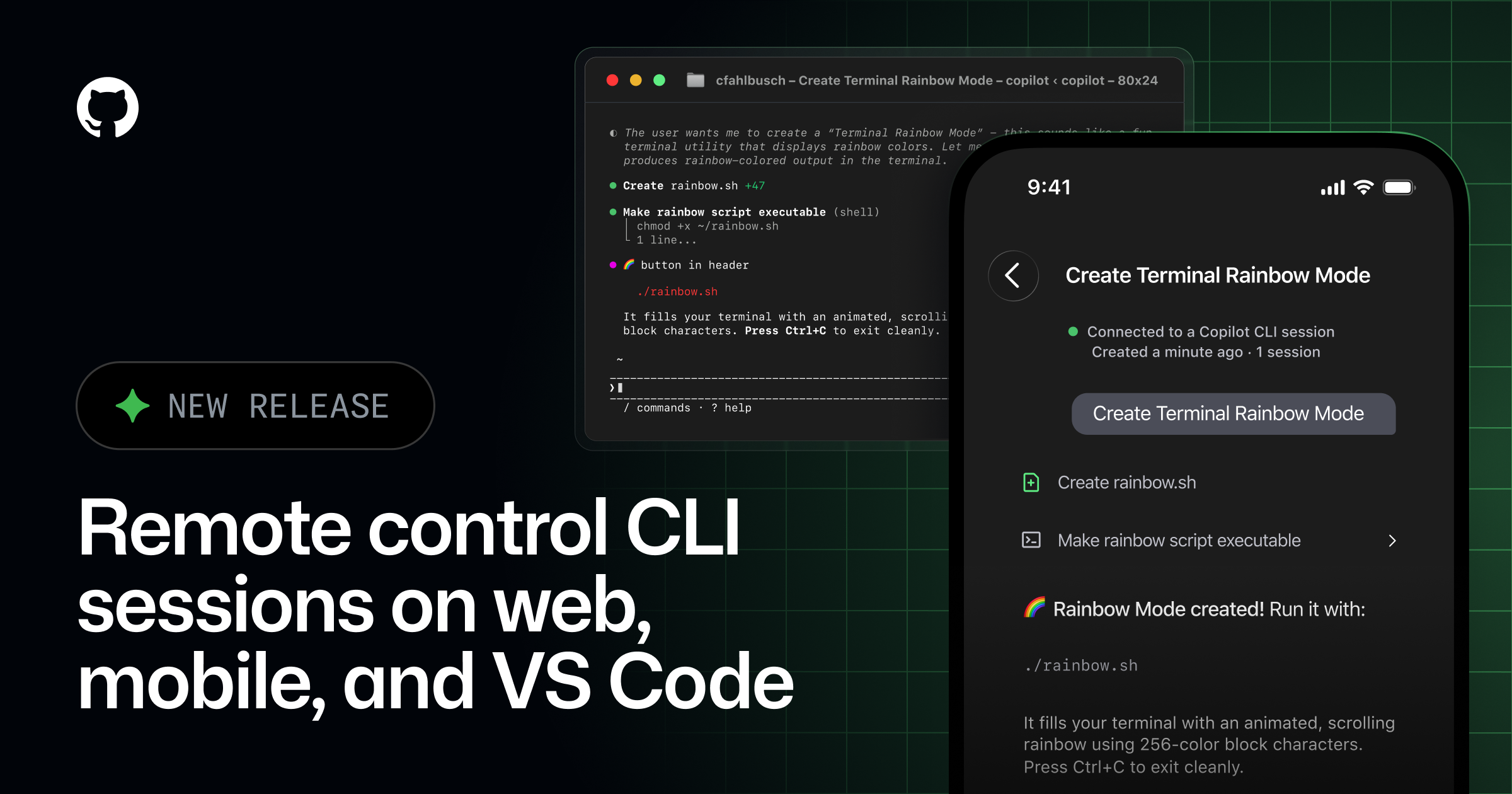
- What happened: GitHub made Copilot CLI remote control generally available across mobile, web, VS Code, and JetBrains.
- With
/remote on, developers can monitor progress, steer a session, approve permissions, and answer Copilot questions from another device.
- With
- Cost signal: In the same week, Copilot pushed task-based Auto model routing and
0.33xcloud agent models. - Why it matters: The coding-agent race is shifting from raw model quality toward session operations, approval flows, and cost control.
- Watch: Mobile steering is useful, but without org policy, audit trails, and budget limits, it becomes a new approval surface.
GitHub moved Copilot CLI remote control to general availability on May 18, 2026. On the surface, the feature sounds like a convenience upgrade: start a Copilot session in a terminal, then keep watching it from a phone or the web. Read together with GitHub's other Copilot announcements from the same week, however, it points to a larger product shift. GitHub is treating coding agents less like chat panels inside an IDE and more like long-running work sessions that need remote steering, permission approval, model routing, and explicit cost multipliers.
Three details matter. First, a Copilot CLI session can now stay visible in GitHub Mobile and on github.com even when the developer is away from the machine where it started. Second, remote access is not read-only: the developer can send mid-session instructions, queue the next prompt, approve or deny permission requests, and answer questions. Third, GitHub paired that control layer with task-based Auto model selection in VS Code and new Copilot cloud agent models that carry a 0.33x multiplier.
That combination asks a more practical question than "can the agent write code?" Teams now have to decide which work can be delegated to agents, where those sessions can be monitored, who is allowed to approve actions, which model should run for which task, and how much automatic routing can be trusted. Coding agents are moving from productivity features into operational infrastructure.
Copilot CLI has left the desk
According to GitHub's changelog, remote control is now generally available in GitHub Mobile and on github.com. A developer can start a Copilot CLI session from the terminal, VS Code, or JetBrains, then enable remote control with /remote on. From there, session activity streams in real time, and the developer can monitor or steer the work from another device.
The feature list is broader than passive monitoring. GitHub says users can track session progress while away from their desk, send mid-session steering, queue the next message as soon as the current step finishes, review and adjust a plan before implementation, and stop a session. When the agent asks for permission, the user can approve or deny the request depending on their settings. When Copilot asks a question, the developer can answer from the remote surface.
GitHub's product blog frames the workflow directly: start in VS Code or the CLI, then finish from a phone. The example is a familiar one for agent-heavy development: a refactoring agent running from VS Code, a test-debugging session in the CLI, and a background scaffolding task for a new feature. Previously, stepping away from the desk meant losing visibility into those sessions. Now GitHub wants web and mobile to remain attached to them.
The important change is that Copilot is no longer designed only as an assistant attached to the currently open editor tab. Agent sessions now move across local terminals, IDEs, the web, and mobile. GitHub also says remote control supports GitHub repositories, non-GitHub repositories, and directories that are not connected to a repository. That widens the scope beyond issue-driven repository work. Local experiments, internal tools, and temporary directories can also become remote-controlled agent sessions.
Remote control is also an approval surface
The easy description is "watch the agent while you are away." The more sensitive version for development teams is "grant permissions while you are away." A coding agent is not a chatbot. It can read files, modify files, run commands, execute tests, and in some workflows create or update pull requests. Permission requests and clarification questions appear in the middle of that work.
Several remote-control features GitHub lists, including permission approval, plan review, and session stop, are closer to operational controls than UX flourishes. The moment a developer taps "continue" from a phone, mobile has become an approval device for the development environment. That is not inherently wrong; deployment tools and incident systems have long supported remote approval. But it creates the same responsibility question. A small change can be fine. A repository-wide refactor, migration, or security-sensitive edit needs a higher bar.
GitHub says sessions are private by default and visible only to the user who started them. That is reassuring for individual developers. For companies, though, "only I can see it" is not the same as "the organization can audit it." Business and Enterprise users also need an administrator to enable remote control and CLI policies. That requirement adds friction, but it is also the clearest signal that remote agent sessions are now policy objects.
Admins are no longer deciding only whether an IDE extension is allowed. They have to decide whether Copilot CLI remote control is allowed, which devices and surfaces may approve work, which model policies apply, and how session logs should be traced. As coding agents spread across surfaces, policy has to follow those surfaces.
The second axis is model routing
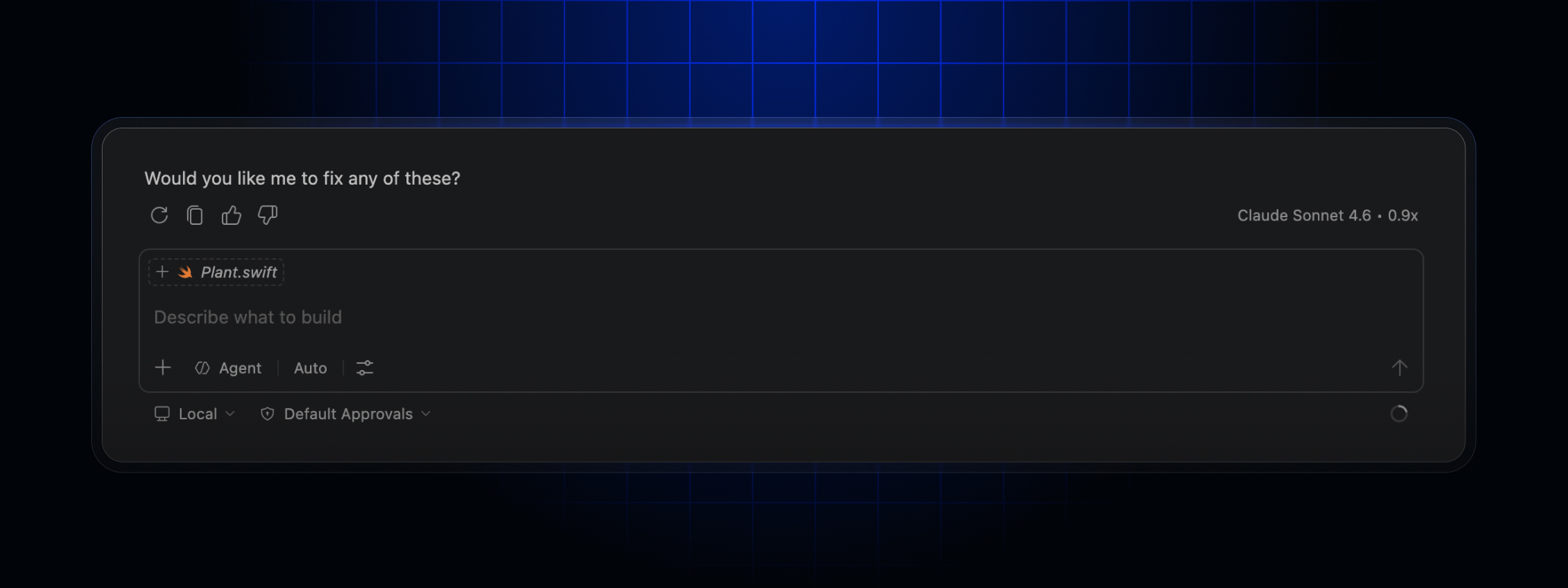
Remote control alone would be a user-experience expansion. Two days later, on May 20, GitHub announced that Auto model selection in VS Code now routes based on the task. GitHub says Auto considers real-time model availability and reliability signals, plus dimensions such as reasoning needs, code-generation complexity, bug-diagnosis difficulty, and tool-orchestration requirements.
The phrase worth watching is "token-efficient experience." GitHub argues that not every task needs a high-reasoning or token-intensive model. Auto routing is meant to follow natural cache boundaries, avoid unnecessary cache-related costs, and improve token efficiency without degrading quality. Users can hover over a response to see which model was used and can switch between Auto and a specific model at any time. GitHub also says admin model policies are respected.
On May 18, GitHub also added faster, lower-cost model options for Copilot cloud agent. The named models are Claude Haiku 4.5 and GPT-5.4-mini, both priced at a 0.33x multiplier. The product message is direct: use smaller, cheaper models for simple tasks and reserve stronger models for complex work.
This lines up with Copilot's move toward usage-based billing on June 1. GeekNews summarized that transition as a shift away from premium request units toward GitHub AI Credits, with usage calculated from model-specific published API rates. In a usage-based structure, model selection becomes cost management. Auto model selection is not just convenience; it is a routing layer meant to reduce cost uncertainty.
| Axis | Signal in this release | Question for teams |
|---|---|---|
| Session operations | Remote control across CLI, IDE, web, and mobile | Who can approve a session, and from which device? |
| Model selection | Auto routing based on task complexity and model state | Can the team trace automatic choices against cost and quality? |
| Cost control | 0.33x cloud agent models and a discount for Auto | Which repeated tasks should stay within a multiplier range? |
Why remote steering and cost routing arrive together
Coding agents spend much more time than autocomplete. Instead of suggesting a single line, an agent reads the repository, builds a plan, edits multiple files, interprets test failures, and loops back. That creates waiting time for users and inference cost for providers. The next competitive axis for agent products therefore splits into two parts: session operations that keep users attached to long-running work, and model routing that controls the cost of that work.
Remote control addresses the waiting problem. If a developer does not have to sit in front of a terminal while a long session runs, agents can be assigned larger tasks. The user can review a plan from a meeting room, answer a question while commuting, or stop a session from another device. The UX of long-running work is no longer only "how fast did it finish?" It also becomes "how much did it keep me pinned to the desk?"
Auto model selection and 0.33x models address the cost problem. Sending every task to the most expensive reasoning model may produce stronger answers, but under usage-based billing it can quickly become a budget issue. Sending every task to a small model keeps simple changes cheap, but can increase failure rates on complex debugging or architectural work. GitHub's routing message is that the product can split those paths automatically.
The pattern resembles cloud infrastructure. Long-running jobs need monitoring, notifications, approvals, stops, retries, and cost tags. Coding agents are starting to use the same vocabulary. The difference is that the managed unit is not a server or a batch job. It is a session that changes code.
What changes for individual developers
For individual developers, the immediate change is lower psychological friction for parallel work. You can start Copilot CLI, let it draft a plan, move to something else, and still see progress from another device. If the agent gets stuck, you can send a narrower instruction from a phone. If it asks for permission, you can respond. If the direction looks wrong, you can stop it. This matters most when tests are slow, repository exploration is long, or the agent needs occasional human input rather than constant supervision.
But easier delegation also means more delegated work. The more work you hand to an agent, the more important review and scope control become. A workflow that lets you create a pull request from a phone may be smooth for a small change, but it can weaken review habits for complex work. Remote steering does not replace code review. It makes it more important to know where the session received instructions and which permissions were granted along the way.
Model routing has a similar tradeoff. Auto is useful because the developer does not have to select a model for every request. Still, the chosen model needs to be visible so cost and quality can be learned over time. GitHub's hover affordance for checking the model is a small but important control. A team should learn where Auto is good enough, where pinning a stronger model is worth it, and which repeated tasks can tolerate a lower multiplier.
Enterprise teams face policy first
In an enterprise environment, enabling remote control expands the policy surface. Which permissions can be approved from mobile? Are unmanaged devices allowed to view sessions? Should work in directories that are not tied to a repository be supported? Are the commands an agent ran, the files it read, and the mid-session instructions it received part of the audit trail? When Auto model selection is enabled, how do administrator model policies apply?
GitHub notes that Business and Enterprise admins must enable remote control and CLI policies, and that Auto model selection respects admin model policies. Those lines may read like product-footnote material, but they are central to adoption. Once coding agents become part of the development surface of an organization, feature enablement is secondary to policy boundaries.
For a security-sensitive repository, remote control might be limited to specific users or permission types. A cost-sensitive team might make Auto the default while restricting certain high-cost models through admin policy. A research or platform team might do the opposite for complex debugging and architectural changes, recommending a stronger pinned model when failure is more expensive than inference. The key question is no longer simply whether agents are allowed. It is which work should be handled through which surface and which model.
The competition is moving beyond model scoreboards
OpenAI Codex, Anthropic Claude Code, Google's agentic developer tools, and Cursor-style products are all trying to make coding agents run longer and attach to more surfaces. The early differentiator was benchmark performance and code-generation quality. The next product problem is how long-running sessions continue, when users intervene, how organizations observe them, and how costs are limited.
GitHub's advantage is that it already owns much of the development ledger. Issues, pull requests, Actions, Code Search, repository permissions, and a mobile app are already part of many workflows. Copilot CLI remote control connects agent sessions to that ledger. Work that starts in a terminal can surface in GitHub Mobile and github.com, while VS Code and JetBrains remain connected. That distribution is hard for a standalone coding agent to replicate.
The risks are just as clear. More surfaces create more places where users can make mistakes and more settings that organizations have to understand. Automatic model routing may reduce cost, but if the reason for a model choice is opaque, debugging quality problems becomes harder. Remote control makes long-running work easier, but scattered mid-session instructions and permission approvals can blur the chain of responsibility.
A practical lens for this release
This GitHub release is not a flashy new frontier-model launch. That is why it matters. For coding agents to become part of real development teams, they need operations as much as intelligence. Users start sessions, wait, adjust, approve, and review. Organizations set policy, watch cost, and preserve auditability. GitHub pushed that operational layer in several directions at once.
Teams evaluating the feature should look past the feature checklist and ask three questions first. What kinds of work are allowed to use remote control? Should Auto model selection be the default, or should some workflows pin a specific model? After the usage-based billing transition, how will team budgets and model multipliers be tracked?
The next stage of coding agents will not be explained by smarter models alone. It will include longer-lived sessions, more approval surfaces, finer model routing, and more explicit cost tables. Copilot remote control lets a developer keep an agent moving after leaving the desk. It also signals that coding agents have become units of work that need to be operated.
Sources
- Remote control for Copilot CLI sessions now generally available on mobile, web, and VS Code
- Take your local GitHub sessions anywhere
- Steer Copilot CLI remotely
- Auto model selection now routes based on your task in VS Code
- Copilot cloud agent: fast, cost-efficient models for simple tasks
- Copilot cloud agent supports Auto model selection
- GeekNews discussion of Copilot's usage-based billing transition