Copilot Auto can now route individual plans to evaluation models
GitHub Copilot Auto can serve evaluation models to individual plans. Opt-out controls, model visibility, and security prompts are now operational checks.

- What happened: GitHub Copilot
Autocan now serve evaluation models to individual non-enterprise users.- Users can disable the behavior in GitHub settings under
AI controls.
- Users can disable the behavior in GitHub settings under
- Why it matters: Auto model selection chooses models based on task difficulty and model health, not only a static picker.
- Evaluation models may appear under codenames, and their availability or rate limits can differ from generally available models.
- Watch: GitHub's docs warn that evaluation models may perform worse on security-related prompts and some other categories.
GitHub added a small but operationally important note to the Copilot Changelog on June 1, 2026. Individual non-enterprise Copilot users can access evaluation models, and those models may be served through Copilot auto model selection. Users can turn the behavior off in GitHub Copilot settings. The announcement is only a few lines long, but it changes what "Auto" can mean for a developer who assumed Copilot was choosing only from stable, named production models.
The timing matters. On the same day, GitHub applied its Copilot usage-based billing and AI Credits transition. On May 20, GitHub updated Auto model selection in VS Code so that it routes based on the task. On May 26, GitHub opened a public preview of targeted model rules for Business and Enterprise customers. The June 1 evaluation-model update is the individual-plan version of the same broader movement: Copilot is shifting from a model dropdown toward a policy and routing surface.
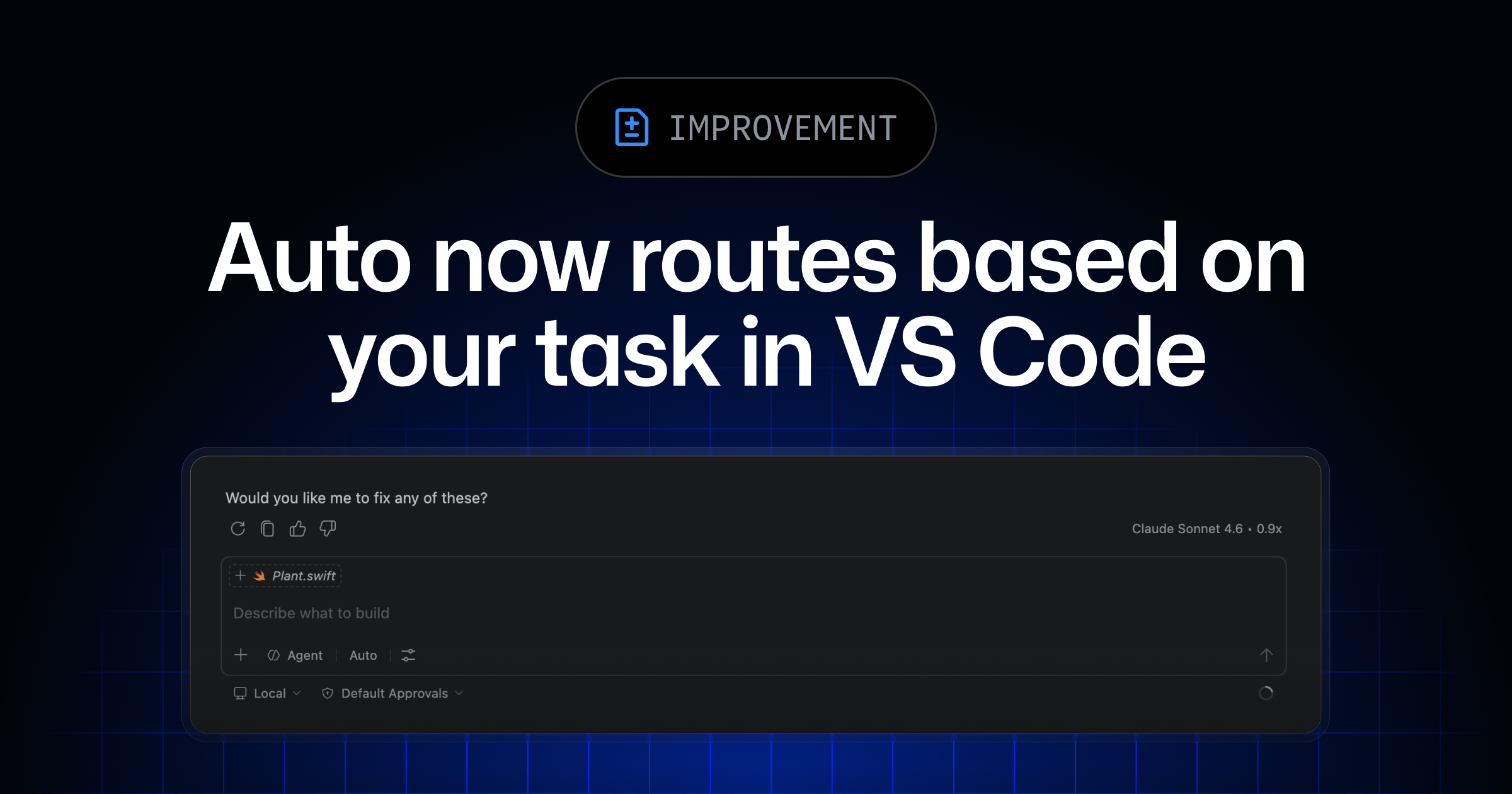
GitHub's description of Auto is not a simple fallback path. The May 20 changelog says Auto considers real-time model availability and reliability signals. It also evaluates the task across dimensions such as reasoning, code generation complexity, bug diagnosis difficulty, and tool orchestration needs. In practice, the user can stop thinking in terms of "I chose model A" and start delegating the decision to a router that decides which model fits the current request.
The new update means evaluation models can become part of that candidate pool. GitHub Docs describes how evaluation models may appear in the product: they can show up under codenames rather than official model names or provider names. The docs also say those models may come from, or be fine-tuned by, one or more of Microsoft, OpenAI, Anthropic, or Google. That matters because a developer cannot infer policy, maturity, or provider handling from the visible display name alone.
GitHub attaches a direct warning to the feature. In testing, evaluation models may perform worse than other models on security-related prompts or some other prompt categories. GitHub also tells users to validate code and code security before production use with multiple models and human review. That is not just a generic preview disclaimer. It is a product warning that security work deserves extra scrutiny when Auto may route to an evaluation model.
| Area | GitHub description | Developer check |
|---|---|---|
| Exposure | Evaluation models can be selected by Auto | Hover over responses to see the selected model |
| Model name | Models may be shown by codename | Do not base policy decisions only on the visible provider name |
| Change cycle | Models can be added, updated, or removed without notice | Use an explicit model for work that needs reproducibility |
| Disable path | Settings -> AI controls -> Disabled | Check the setting before security or deployment work |
Model visibility becomes part of day-to-day usage. In the May 20 update, GitHub said users can hover over a model response to see which model Auto used. Users can also switch between Auto and a specific model at any time, subject to any model policy set by an administrator. Individual users now need to check the evaluation-model setting in AI controls, while organizations need to look at targeted model rules and default model availability.
GitHub's current supported-models documentation also lists Raptor mini as a Fine-tuned GPT-5 mini public preview model, and Raptor mini appears in the Auto model selection support list. That does not mean Raptor mini represents every evaluation model covered by the June 1 changelog. It does show the direction of the Copilot model list: generally available models, public previews, fine-tuned models, and evaluation-model policy are converging inside the same product surface.
Billing should be read separately from model quality. The May 20 Auto announcement said paid subscribers receive a 10% discount based on the selected model multiplier. At that time, GitHub said Auto was limited to models with a 0x to 1x multiplier. The June 1 billing update moved Copilot plans onto GitHub AI Credits. If the takeaway is only "Auto will choose a cheaper model," teams can miss the practical question: which model did Auto choose, and what multiplier or credit behavior applied to that response?
For an individual developer, the most immediate action is the opt-out. GitHub Docs describes the path through the profile picture menu, Settings, and the top-level AI controls page. The specific setting is Evaluation models in Copilot auto model selection, which can be changed to Disabled. This is not only a preference about trying new features. It is also an operational choice for developers who want predictable model behavior while fixing security issues, preparing production patches, or reviewing sensitive code.
Enterprise teams have a related but different control path. In the May 26 targeted model rules announcement, GitHub said Enterprise owners can target model access by organization. Business and Enterprise customers can set default model availability to Enabled or Optional, then create organization-level allow rules. Individual AI controls and enterprise model rules solve the same routing problem at different scopes: one controls a personal setting, while the other turns model choice into an admin policy surface.
This feels heavier than a normal Copilot changelog because Copilot is no longer just a single IDE assistant. Since May 2026, GitHub has been connecting Copilot cloud agent, Copilot app surfaces, CLI remote sessions, code review, usage metrics, billing, and model rules. Auto model selection becomes the router that tries to balance quality, availability, task shape, and cost across those surfaces. Adding evaluation models to that router gives GitHub more room to test and optimize, but it also adds another audit point for users.
None of this means evaluation models are inherently bad. GitHub says they go through GitHub and Microsoft testing and verification, and its documentation places provider data handling inside existing agreement boundaries. The risk is expectation mismatch. If a developer remembers only that they used "Copilot Auto," they may miss the actual model name, release status, rate limit, or security-prompt warning. Auto is a convenience feature, but when it can include experimental candidates, it also becomes something teams should document.
Community reaction to this specific changelog is still limited. I did not find a large Hacker News-style discussion centered on the June 1 evaluation-model note. Changelog aggregators and technical-news dashboards picked it up as part of the Copilot updates. The broader conversation since May has been about Copilot usage-based billing, model multipliers, and cost predictability. This update adds a new question to that discussion: when Auto answers, can the developer or organization explain which model was selected?
The practical checklist is short. First, inspect the AI controls setting on personal GitHub accounts that use Copilot Auto. Second, hover over Auto responses and make model visibility part of the workflow. Third, for security fixes, dependency patches, authentication code, payment code, and production incident work, prefer an explicit model plus human review unless the team has approved Auto for that category. Fourth, write down which tasks can use Auto and which tasks require a fixed model.
GitHub's June 1 note is small, but it captures the direction of Copilot operations. Model choice is moving away from a personal dropdown and toward routing, policy, health signals, task assessment, credits, and organizational controls. Auto looks at model availability, reliability, task complexity, and tool orchestration. Individual users now have to decide whether that router can include evaluation models. For developers who use Copilot every day, this setting deserves a quick check before the next security review or production patch.