Coding agents get a browser runtime, not just a code editor
Chrome DevTools for agents lets coding agents inspect real browser state, Lighthouse results, console logs, and network traffic before claiming a fix works.
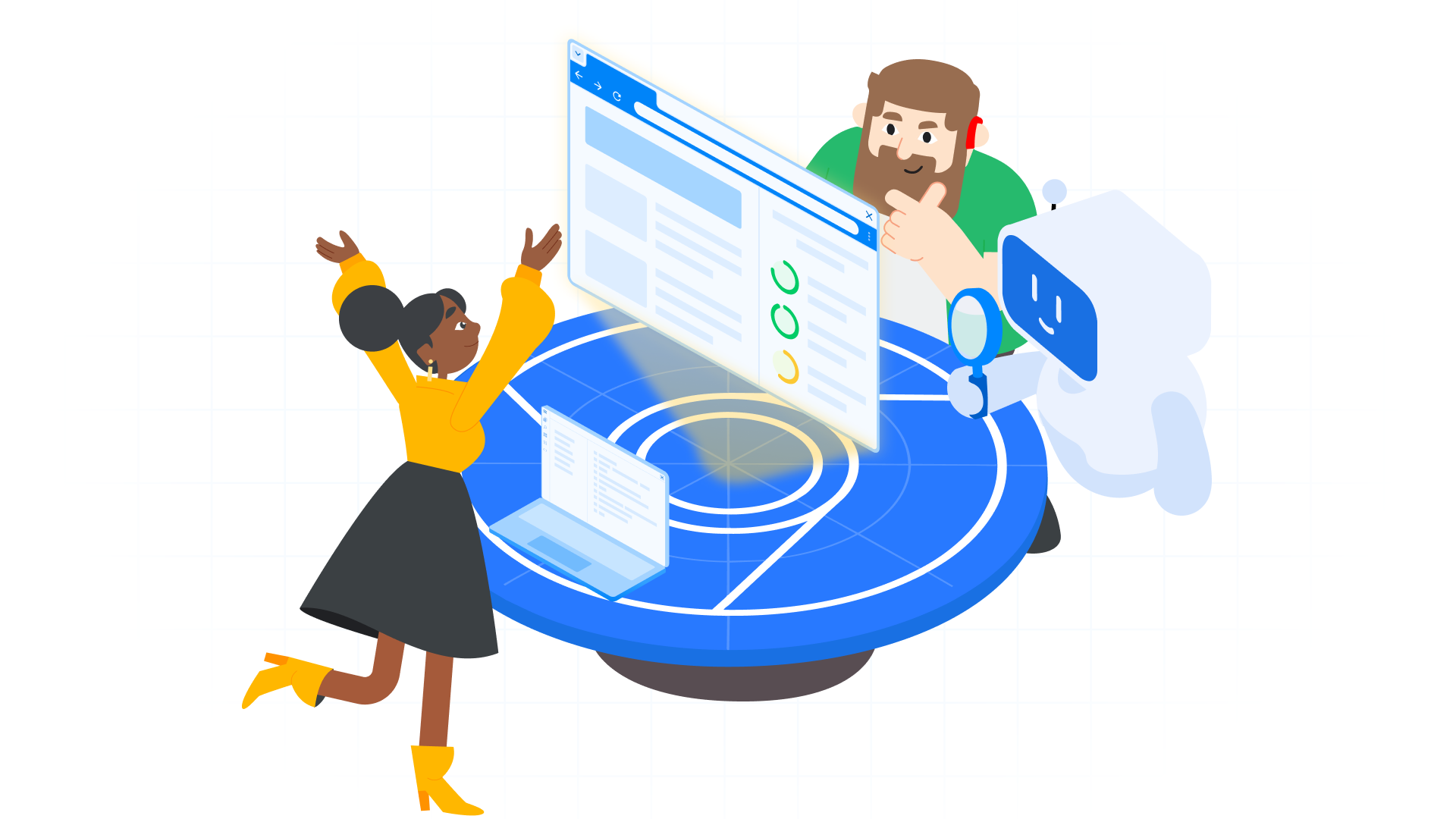
- What happened: Google introduced
Chrome DevTools for agents, giving coding agents direct access to real Chrome runtime signals.- It is bundled with Antigravity 2.0, while Gemini CLI, Claude Code, Codex, and other agents can connect through an MCP server or CLI path.
- Why it matters: Agents can move beyond editing files and use console logs, network requests, accessibility trees, and Lighthouse audits to verify their work.
- Watch: Browser access is powerful, but teams still need explicit rules for permissions, profile isolation, CI cost, and flaky UI state.
Google’s Chrome DevTools for agents, introduced around Google I/O 2026, touches a quiet but important layer of the coding-agent race. The core idea is simple: an agent should not only read and edit code files. It should be able to open a real Chrome instance, navigate a page, fill a form, inspect console logs, read network requests, examine the accessibility tree, and use Lighthouse results as part of the same repair loop.
That shift matters because the bottleneck for coding agents is moving from “can it write the code?” to “can it prove the code behaves correctly in the environment users actually touch?” Many agents have become comfortable with test commands, type errors, lint output, and small refactors. Web apps fail outside those surfaces all the time. A button renders but disappears behind a sticky footer on mobile. An API call succeeds while the browser console fills with hydration errors. A page looks fine locally but only reveals its performance problem through Core Web Vitals after release. A human developer would open DevTools and inspect the runtime. Google is now trying to put that runtime view into an agent’s hands.
This announcement sits near the same “agentic web” arc as Chrome’s WebMCP work, but the emphasis is different. WebMCP asks how a web page can expose structured tools to agents. Chrome DevTools for agents asks how a coding agent can observe and debug the web app it is building. One is a site-facing interface for agents. The other is a developer-facing verification surface for agents.
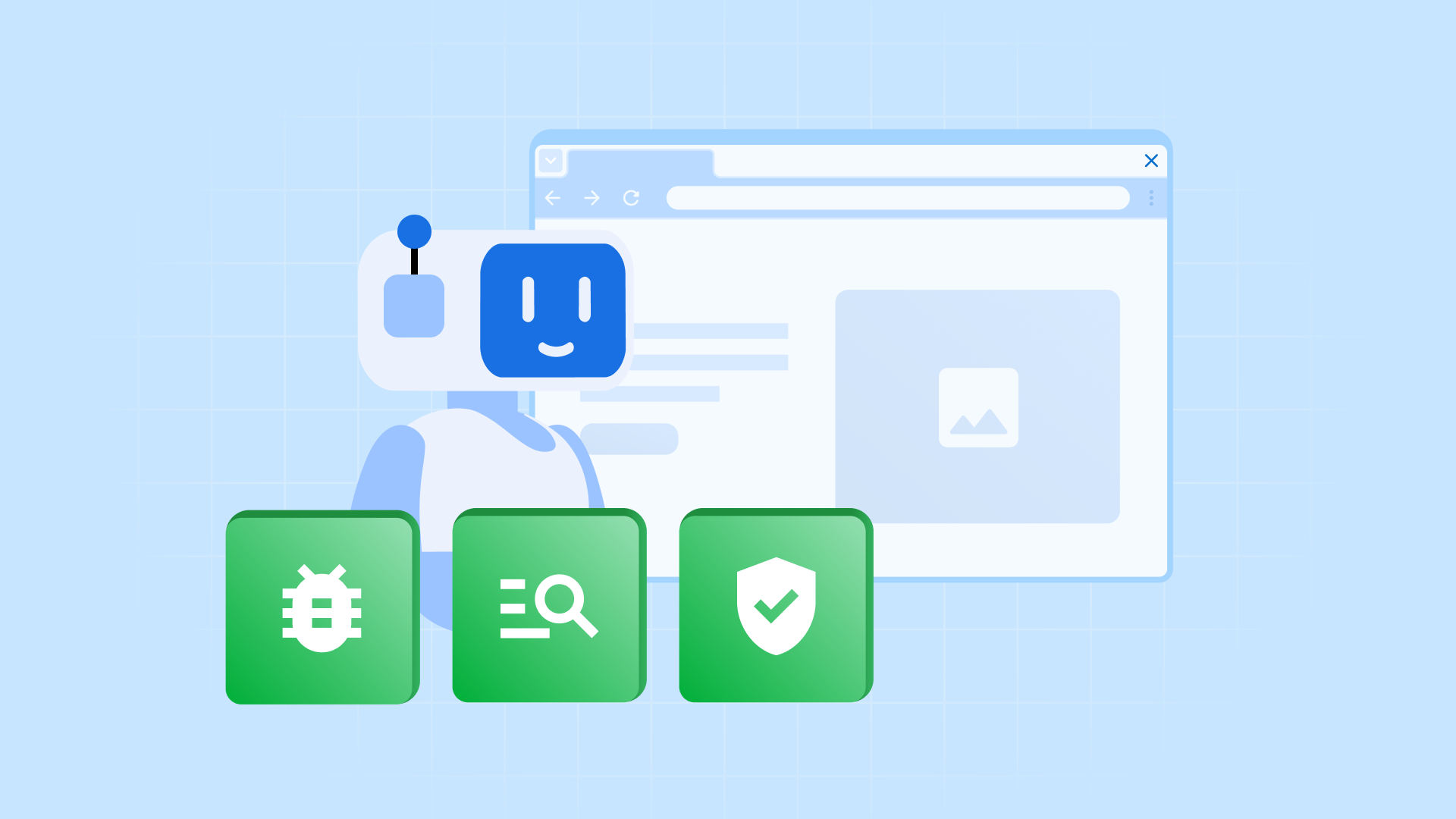
Verification moves outside the editor
Google’s documentation frames Chrome DevTools for agents as a way to help agents build, debug, and verify code correctly. The installation paths reflect the current agent ecosystem. Antigravity 2.0 includes it by default. Gemini CLI can use it through an extension. Claude Code connects through a plugin path. Codex connects through MCP configuration. Other coding agents are pointed toward the GitHub repository, MCP server, and CLI instructions.
The important point is not merely that this is another browser automation wrapper. The more interesting move is that DevTools signals become part of the agent’s decision loop. Google’s I/O session material describes coding agents such as Gemini CLI, Google Antigravity, and Cursor getting direct access to web-app runtimes for inspection, form interaction, device emulation, and Lighthouse audits. Chrome’s I/O blog says the tool can provide console logs, network traffic, and accessibility trees to agents so they can validate and automate changes with less manual supervision.
Human web debugging is normally a closed loop. Change code. Refresh the browser. Look at the console. Check the network tab. Inspect an element. Run Lighthouse or performance tooling. Change the code again. Agents have usually had only fragments of that loop. They can run a test suite and see pass or fail. They can sometimes inspect a screenshot. But reading the browser’s live error state, tracing a failed request, and connecting a Lighthouse issue back to source code has required extra wiring and careful prompting. Chrome DevTools for agents tries to make that loop a first-class tool path.
| Verification mode | What the agent sees | Strength | Remaining risk |
|---|---|---|---|
| Static code repair | Files, types, lint output, and test output | Fast, reproducible, and easy to wire into CI | Can miss rendering issues, accessibility gaps, and browser-only errors |
| Screenshot review | Rendered pixels and parts of the DOM | Captures part of what the user actually sees | Root-cause analysis still lacks console, network, and source-map context |
| DevTools loop | Chrome runtime, logs, requests, Lighthouse, and accessibility tree | Connects reproduction and root-cause analysis inside one loop | Requires permission, profile, flaky-state, and cost controls |
What the tool can actually do
The official documentation organizes the capability set around three areas. The first is user-experience emulation. An agent can test responsive design, location-dependent behavior, and real user flows. That could mean opening a mobile viewport to check whether a menu exposes the right navigation items, or simulating location data to confirm that a store finder returns the expected results.
The second is live browser debugging. An agent can connect to an active Chrome session, inspect the live page, pause, and troubleshoot. This is the piece that changes the flavor of coding-agent work. The agent is no longer only saying, “I started a browser.” It is reading the same runtime evidence developers inspect in DevTools. A console error can point back to a source-map location. A failed network request can be connected to an API response. The agent has a better chance of fixing the cause instead of guessing from symptoms.
The third is proactive QA through Lighthouse. Google describes using accessibility, SEO, and performance audit results to produce actionable checklists before production pushes. Chrome’s I/O blog also mentions LY Corporation using the tooling in an AI-based performance auditing system and reducing manual analysis by 96 to 98 percent. GeekNews’ summary of the I/O session also highlighted a CyberAgent example: 236 Storybook stories across 32 components audited in under an hour.
Those numbers are useful hooks, but they should not be generalized into “QA drops by 98 percent for every team.” They came from specific systems, organizations, and workloads. The direction is still clear. Teams with many repeatable UI surfaces, especially Storybook-backed design systems and component libraries, can plausibly use agents to read DevTools output and produce audit reports at a frequency that human teams rarely sustain manually.
Why MCP and CLI paths matter
Chrome DevTools for agents was not presented as an Antigravity-only feature. Google documents paths for Gemini CLI, Claude Code, Codex, and other coding agents. That positioning matters. Google is pushing Antigravity 2.0, but the DevTools access layer is being framed as broader agent infrastructure rather than a single IDE feature.
Technically, the MCP server and CLI sit between the agent and the browser. The agent does not need to write custom Puppeteer automation every time it wants to inspect a page. It calls tools that wrap DevTools functionality in a shape an agent can use. GeekNews summarized the implementation as Puppeteer-based while noting that agents use wrapper tools rather than driving Puppeteer directly. That sounds like a small distinction, but it changes operating complexity. A raw browser automation library and an agent-ready tool with named actions and input schemas are not the same developer experience.
Take a request such as, “Run a Lighthouse accessibility audit and fix the low-contrast elements.” The human goal is short. The actual loop includes opening the page, waiting for rendering, running the audit, interpreting results, finding the relevant DOM and CSS, modifying code, and rerunning the check. MCP tools and CLI commands break that loop into callable units. The agent can focus on the repair process rather than rebuilding browser automation plumbing.
This fits the broader direction of agent tooling. Coding-agent products are harder to differentiate on model score alone. The meaningful question is increasingly what context they can read, what tools they can call, how they observe failure, and how they recover. DevTools is one of the richest runtime contexts in web development. Wrapping it for agents suggests Chrome wants the browser to become verification infrastructure for AI-assisted development, not just an execution environment.
How this differs from WebMCP
It is easy to blur Chrome DevTools for agents with WebMCP because both appeared in the same Chrome agentic-web discussion. The difference is important. WebMCP is a proposal for web pages to expose structured tools to agents. A user has a tab open, the site registers high-level functions such as checkout, filter_results, or submit_form, and the agent can call those functions through schemas instead of guessing which button to press.
Chrome DevTools for agents is closer to the opposite side of the workflow. The site does not need to support WebMCP. A coding agent opens Chrome, exercises the user flow, and reads runtime signals. It investigates console errors, failed requests, accessibility trees, and Lighthouse output while developing the app. If WebMCP is an agent interface for user-facing web features, DevTools for agents is a verification interface for developer-facing work.
The two ideas are complementary. WebMCP can give agents a more reliable way to operate a site. DevTools for agents can give the agents building that site a way to verify it in the real browser. That is why Chrome’s I/O 2026 material can group WebMCP, Modern Web Guidance, DevTools for agents, and built-in AI together without making them the same product. The web is both something agents use and something agents build.
What changes for development teams
The most immediate change is the scope of work teams can plausibly delegate to agents. Until now, handing a UI bug to an agent often required a long reproduction note, screenshots, and explicit test instructions. If DevTools access becomes reliable, prompts can become more operational: reproduce the hidden mobile checkout button, inspect the relevant console and layout signals, fix the cause, then rerun the accessibility audit.
The second change is the boundary between local development and CI. Lighthouse CI and Playwright tests already exist. The interesting part here is interpretation and repair. Classic CI says “failed” and a person investigates. An agent loop can connect the failed audit to a candidate fix and then rerun the check. That should not imply unconditional automatic commits to production branches. But it is realistic for pre-PR checks, Storybook audits, design-system regression review, and accessibility fix candidates.
The third change is the role of agent instructions. Many teams are already writing AGENTS.md, rules files, skills, and playbooks. When DevTools enters the loop, those instructions need more than code style. They need verification policy. Which page should the agent open? Which viewports count? Which Lighthouse categories are blocking? Which console warnings are acceptable? How should network errors be classified? Once an agent can see the browser, the team has to define what counts as enough verification.
The fourth change lands on QA and frontend platform teams. Organizations with well-maintained Storybook coverage, stable component states, explicit accessibility standards, and performance budgets are likely to benefit faster. Organizations with unstable seed data, inconsistent login state, fragile feature flags, or unclear test URLs may simply create more flaky agent output. DevTools for agents is not a replacement QA team. It is closer to an amplifier for quality infrastructure that already exists.
Security and trust questions
Browser access is powerful enough to require careful limits. GeekNews’ summary notes that the tool uses a separate anonymous browser profile by default and does not access Chrome’s password manager. That matters. If a coding agent can touch a developer’s real browsing session, saved passwords, and personal cookies, a convenience feature becomes a security problem.
Several policy questions remain. Which Chrome sessions should agents be allowed to connect to? Should local development servers and production sites be separated by default? May an agent operate an admin page while logged into an organization account? Should a headless browser in CI follow the same policy as a developer’s live browser? What personal data might remain in automation logs? As this tooling spreads, these choices need to become team-level policy rather than ad hoc prompt wording.
There is also a risk of verification theater. If an agent runs Lighthouse once and reports “no issue,” quality is not guaranteed. Lighthouse is useful, but it does not represent every user journey. A clean console does not prove business logic is correct. Browser tooling improves what the agent can observe, but people and teams still own the definition of what should be observed.
Google’s larger strategy
This announcement makes more sense next to Antigravity 2.0, Managed Agents in the Gemini API, Modern Web Guidance, and WebMCP. Google is not only chasing a faster model. It is assembling more of the environment in which agents work. Antigravity is the work surface. Managed Agents is the cloud execution layer. WebMCP is an agent interface for web apps. Modern Web Guidance is a knowledge layer for current web standards. DevTools for agents is the runtime verification layer.
That combination applies pressure to the developer-tool market. Cursor, GitHub Copilot, Claude Code, and Codex are all strengthening code editing and agent execution. Google has Chrome, the runtime where web apps actually fail in front of users. For agents that build web apps, browser debugging is not an accessory. It is a core capability. If Chrome exposes that capability through a public MCP tool and CLI, it could become shared infrastructure across agent products rather than a feature locked inside one editor.
That does not automatically create developer trust. Community reaction around Antigravity 2.0 has included complaints about forced updates, IDE experience changes, pricing, and quotas. DevTools for agents itself looks more like an open tool layer, but users judge the experience through the surrounding Google agent stack. If Google wants this to become standard infrastructure for the wider agent ecosystem, stable documentation, a clear permission model, and predictable updates may matter more than product bundling.
The real meaning of this release
The point of Chrome DevTools for agents is not simply that AI can control a browser. Browser automation has existed for years. The more important change is that coding agents can start pulling observable browser-runtime evidence into their repair loop. Code writing, execution, observation, correction, and re-verification begin to look like one workflow instead of separate human handoffs.
For developers, this is less a signal to install a new tool everywhere today and more a prompt to revisit quality infrastructure for the agent era. Is Storybook organized? Can key user flows be reproduced with stable URLs and seed data? Are accessibility, performance, and SEO requirements expressed in a way tools can inspect? Does the team have rules for console warnings and network failures? When agents can see the browser, those preparations become the ceiling on agent productivity.
Coding-agent competition has often been explained through benchmark scores and code-generation ability. In real product development, “I checked it” matters more than “I changed it.” Chrome DevTools for agents expands the surface of that check. The 236-story audit example is compelling for exactly that reason. The practical gain may come less from agents writing more code and more from agents performing repetitive verification more often, more consistently, and closer to the moment a change is made.
The browser-enabled agent is not automatically a trustworthy developer. Tool access, test data, user sessions, permissions, and failure thresholds still need human design. Even so, this release shows coding agents moving from text-editor assistants toward workers that can observe a real runtime. If DevTools has long been the eyes of web developers, Google is starting to share those eyes with agents.