Apps Become MCP Servers, Android Opens a New Door for Agents
Google's Android AI update turns apps into on-device tool surfaces that Gemini and future agents can call directly.
- What happened: Google's Android AI recap from I/O 2026 tied
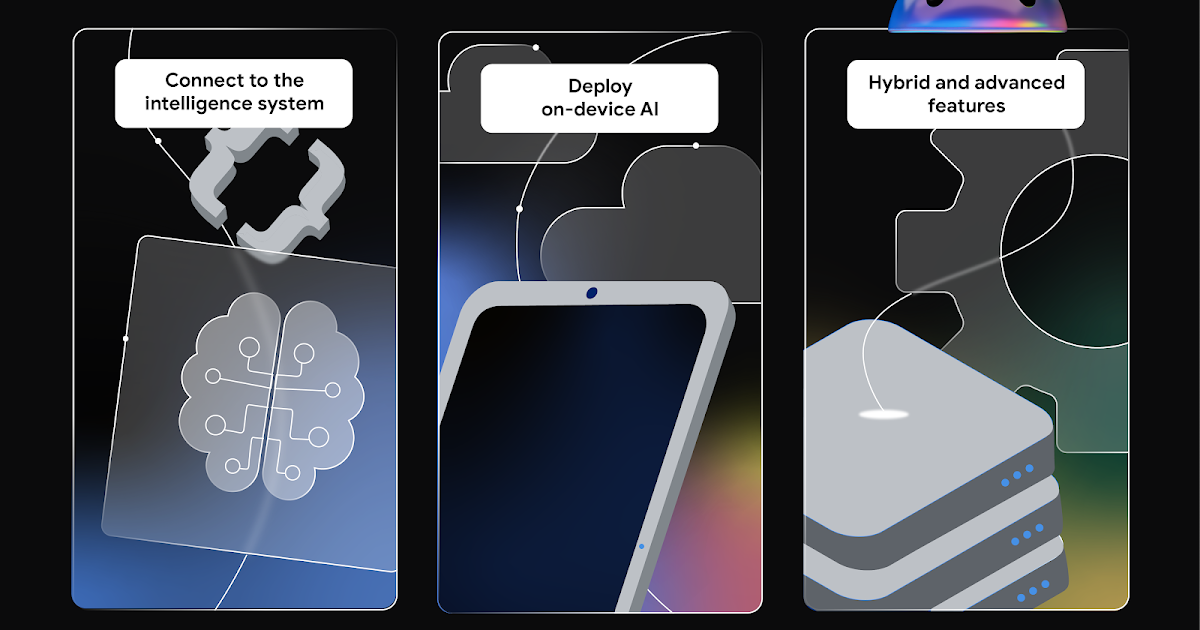
AppFunctions, Gemini Nano 4, Hybrid Inference, A2UI, and ADK for Android into one developer surface.AppFunctionsis an experimental preview that lets an app behave like an on-device MCP server for tools, services, and data.
- Why it matters: Mobile agent integration is starting to move from screen automation toward explicit function contracts that agents can discover and call.
- Builder impact: Android 16+, private preview access, caller permissions, and device support for local models are the early bottlenecks.
- ML Kit Prompt API, prefix caching, and Firebase AI Logic routing turn local-versus-cloud inference into a product policy decision.
Google's May 26, 2026 post on the Android Developers Blog looks, at first glance, like a quick recap of Android AI announcements from Google I/O 2026. For developers, the more important signal is not a single new model. It is the direction of Android apps themselves. They are being prepared to move beyond screens that agents can inspect and toward functions that agents can call.
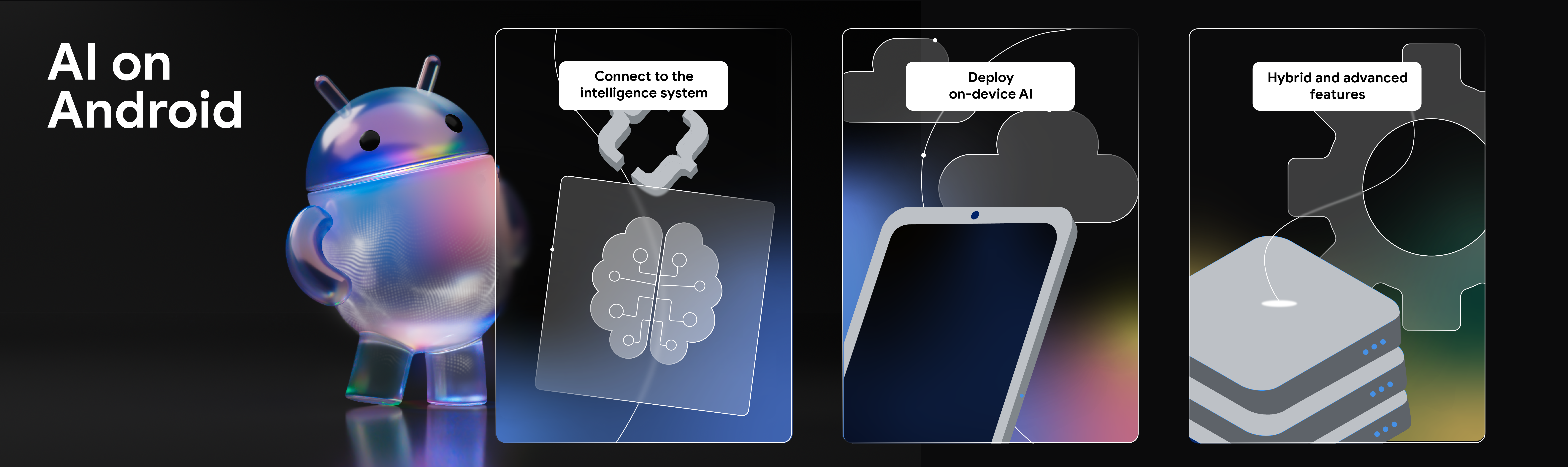
The official post frames Android as moving from an operating system toward an intelligence system. That can sound like product language until you read the pieces Google placed under it. The Android Developers Blog describes AppFunctions as "Android MCP" and says apps can share tools, services, and data with the system and agents. Around that, Google also introduced an Android skill to help generate AppFunctions, a test agent for simulation and debugging, Gemini Nano 4 Preview, the ML Kit GenAI Prompt API, Firebase AI Logic Hybrid Inference, A2UI Jetpack Compose Renderer, and ADK for Android.
That bundle matters because Android is not treating mobile agents as only a visual automation problem. The common mental model for phone agents has been, "the AI looks at the screen and taps buttons." That can produce demos quickly, but UI is a layer designed for people. Button position, text, screen state, login flows, localization, accessibility labels, ads, and popups all become unstable execution context for an agent.
AppFunctions points in another direction. An app defines the units of work it is willing to expose, then Android makes those functions discoverable and executable through an OS-level registry for authorized callers. The Android AppFunctions documentation describes it as a combination of Android platform APIs and a Jetpack library. The app acts like an on-device MCP server, and callers can include assistants or agents such as Gemini, as well as other apps. If server-side MCP connected agents to APIs, databases, filesystems, and SaaS tools, AppFunctions brings the pattern into the phone's app ecosystem.
The new mobile surface is a function, not a screen
MCP spread quickly across server and desktop development environments for a simple reason: an LLM cannot finish useful work by generating text alone. It needs to create calendar events, open issues, edit files, prepare payments, retrieve search results, and access permissioned data. That made tool schemas and execution boundaries central to agent design.
Android's AppFunctions reframes the same problem at the mobile app level. Suppose a user says, "Remind me at work at 5 p.m. to pick up the package." One path is screen automation: the agent opens a calendar or task app, finds the right fields, types the text, selects the time, and taps save. Another path is function calling: the task app exposes a function such as createReminder, and the agent passes a structured title, time, and place. The first approach imitates a human operating the app. The second gives the agent an official execution contract.
Google's documentation says AppFunctions is available on Android 16 and above, and that Gemini integration was a private preview for trusted testers as of May 2026. A caller also needs the EXECUTE_APP_FUNCTIONS permission. Those constraints are important. This is not a story where every app immediately opens itself to Gemini. Google is emphasizing caller permissions, the scope of functions exposed by the app, and registry-based discovery and execution from the start. That is a sign that the boundary of what an agent may do should not be left to the accidental state of a UI.
| Integration pattern | What the agent sees | Strength | Risk |
|---|---|---|---|
| UI automation | Screens, buttons, and text fields | Can work quickly without app changes | Fragile when state or design changes |
| AppFunctions | App-defined functions and schemas | Manages permissions, inputs, and results explicitly | Requires developers to design a new contract |
| Hybrid inference | Policy across local and cloud models | Separates latency, cost, and privacy requirements | Adds routing and fallback complexity |
The surrounding tools reveal the product direction
This announcement is more than a single API because Google paired AppFunctions with developer tooling. The recap mentions a new Android skill for creating AppFunctions and a test agent for debugging them in a simulated environment. The skill can analyze major workflows in a codebase, generate the Kotlin code needed for AppFunctions, refine KDoc so an AI agent can understand the function, and provide ADB commands for testing and debugging. The test agent gives developers a way to experiment before waiting for the live Gemini integration.
That detail is small but practical. Agent-callable app functions are not just names in a list. Teams must decide which workflows should become functions, which parameters they accept, who can call them, what error shape they return, and which actions require user confirmation. In the same way Android developers already design Activity and Composable boundaries, some apps will now need to design an agent-facing function surface.
The broader AI on Android documentation points in the same direction. It describes AppFunctions as a way for qualified agents to use app capabilities, while placing Android Computer Control beside it as a fallback-style framework for OEM-preloaded assistants to automate tasks on supported devices. Google's picture is not simply "functions replace automation." It is closer to a layered model: if an app exposes explicit functions, the agent can use a more reliable path; if it does not, automation may remain a fallback.
On-device models are not just features, they are deployment constraints
The second axis is Gemini Nano 4 and ML Kit GenAI. Google's recap says developers can already prototype with the next generation of Gemini Nano through AICore Developer Preview, while production-ready apps should move through the ML Kit GenAI Prompt API. The model is expected to arrive on flagship devices later this year.
That phrasing carries both promise and constraint. On-device AI is attractive for privacy, latency, offline use, and cost. But not every Android device can run the same model at the same performance. Community discussion around Android and local models has centered on this point: Gemini Nano 4 and the Gemma family look promising on phones, but NPU support, storage, memory, and device coverage will shape real product behavior.
That is why Google's emphasis on structured output and prefix caching in ML Kit matters. Once an LLM is placed inside an app feature, "the answer looked plausible" is not enough. In scheduling, messaging, shopping, health, and work apps, model output can become UI state and data changes. Structured output in the Prompt API is meant to stabilize the shape of returned objects. ML Kit prefix caching stores processed LLM state for shared and repeated prompt portions so apps can reduce inference time.
That sounds like a narrow optimization, but it matters more on mobile than on servers. Server-side inference is constrained by token cost and throughput. Phones add battery, heat, foreground latency, model downloads, and differences across accelerators. For the same agent flow, "always use the cloud" and "always stay local" are both rough product policies. Some requests should stay local because of sensitive data. Others need cloud model quality. Some need fallback depending on connectivity and hardware support.
Hybrid Inference is mobile AI routing policy
Firebase AI Logic Hybrid Inference sits directly in that tension. In an April post, Google introduced a Firebase API for hybrid inference that could route between on-device Gemini Nano and cloud-hosted Gemini models. The May recap brought the concept back with explicit orchestration modes: PREFER_ON_DEVICE, PREFER_CLOUD, ONLY_ON_DEVICE, and ONLY_CLOUD.
Those modes are more than convenience flags. ONLY_ON_DEVICE fits features with strong privacy or offline requirements, such as summarizing local notes or screen content without sending data to a server. PREFER_ON_DEVICE fits products that want to handle most requests locally but allow cloud fallback when local support or quality is insufficient. PREFER_CLOUD fits complex reasoning or high-quality generation where the newest cloud model matters. ONLY_CLOUD fits work that a small on-device model cannot handle.
This routing also connects to agent safety. If an agent reads user data and operates apps, the core trust question is not only whether the model is smart. It is also where the data is processed. Android's push across AppFunctions, AICore, ML Kit, and Firebase AI Logic suggests that mobile AI competition will not be settled by a model API alone. Function surfaces, local models, cloud models, permissions, UI rendering, and developer tools have to be designed as one stack.
A2UI and ADK for Android point at the next layer
A2UI Jetpack Compose Renderer is easy to miss in the recap, but it is a meaningful piece. If an agent moves beyond text replies and needs to show choices, progress, confirmations, and results inside an app, it needs a way to speak UI. Google described a direction where A2UI messages can be rendered automatically as Jetpack Compose components. That moves agent output beyond markdown or chat bubbles and into native app flows.
ADK for Android 0.1.0 is more direct. Google's ADK for Kotlin and Android announcement shows examples for composing LLM agents, tools, and sub-agents inside Android apps. Developers add the Android dependency, define an LlmAgent, then attach a model, instructions, tools, and sub-agents. It is still early, but it opens the path for mobile apps to contain agent workflows rather than merely calling Gemini as a client.
Put that together with AppFunctions and the architecture becomes clearer. On one side, an Android app can expose its capabilities as tools for external agents. On the other, the app can host agent workflows internally. Firebase Hybrid Inference decides whether local or cloud models should handle a given request. A2UI turns agent output into native UI. The result is a broader definition of mobile AI integration: not "add a chat box," but design app functions, model placement, UI output, permission boundaries, and tests together.
What developers should examine now
First, not every feature should become an AppFunction. That would be risky. Good early candidates have clear user intent, stable input schemas, visible failure behavior, and a path to undo or review the result. Reading data, drafting content, search, recommendations, and previews are natural starting points. Payments, deletion, external sends, and permission changes require confirmation and audit trails before they make sense as callable functions.
Second, KDoc and schema become part of runtime quality, not just documentation. The MCP ecosystem already showed that vague tool descriptions cause models to select the wrong tool or fill parameters badly. Google's mention of KDoc optimization inside the AppFunctions skill is not incidental. Comments once written only for human developers are becoming input to an agent planner.
Third, local and cloud models need product policy. Mobile products cannot treat "AI feature" as a single route to one model forever. Sensitive data, latency, network conditions, model quality, cost, and battery impact vary by feature. Hybrid Inference modes look simple today, but they are a starting point for encoding privacy and UX fallback decisions in product logic.
Fourth, testing changes. Traditional Android testing focuses on UI tests, unit tests, and integration tests. With AppFunctions, teams also need to test how an agent discovers functions, how natural-language intent routes to a function, what permission denial and partial failure look like, and whether generated UI asks for the right user confirmation. Google's test agent exists because this surface has to break in development before real Gemini deployments expose it to users.
The door is still narrow
This should not be overstated. AppFunctions is an experimental preview. Gemini integration is in private preview. Android 16 or later is required. Gemini Nano 4 is expected for flagship devices, and on-device model performance and support will vary by hardware. ADK for Android is at version 0.1.0. In other words, all Android apps are not suddenly becoming AI-agent tools tomorrow.
But the direction is visible. Google is trying to make the Android app ecosystem addressable in an agent era. Historically, apps connected to the system through launcher icons, intents, deep links, notifications, share sheets, widgets, and search. If AppFunctions matures, "agent-callable functions" become another surface. Users may invoke app capabilities through Gemini or another agent without opening the app directly, and developers will have to define exactly what those calls can and cannot do.
That could also change app discovery. On mobile, app value has long been shaped by home-screen placement, push notifications, search visibility, store ranking, and deep links. If agents increasingly receive user intent and call app capabilities on the user's behalf, apps will need not only good human-facing UI but also well-described capabilities for agents. "What can this app do?" becomes something expressed through natural language and schema.
Android's AI challenge has moved inside the app
Google's Android AI recap is a developer follow-up after a large conference keynote, but its message is not small. Android's agent strategy is not only a feature race inside the Gemini app. It is a shift toward apps becoming callable tools inside the operating system.
The immediate developer response should not be to bolt an agent onto every workflow. It should be to inspect the app's core jobs and ask which ones become more useful when exposed as functions, which ones must never be invoked automatically, which model location fits each feature, and how far agent-generated UI should enter native flows.
If MCP changed how agents connect to servers and developer tools, AppFunctions brings the same question into the phone. Android is entering a phase where apps may no longer exist only as screens. They may also exist as permissioned bundles of functions that agents can call. The new door into Android may not be Gemini itself. It may be the small function contracts app developers choose to define.