Google DeepMind puts Gemini inside the mouse pointer
Google DeepMind introduced a Gemini-based AI-enabled pointer experiment, signaling a shift from chat boxes toward screen context, pointing, and short spoken intent.
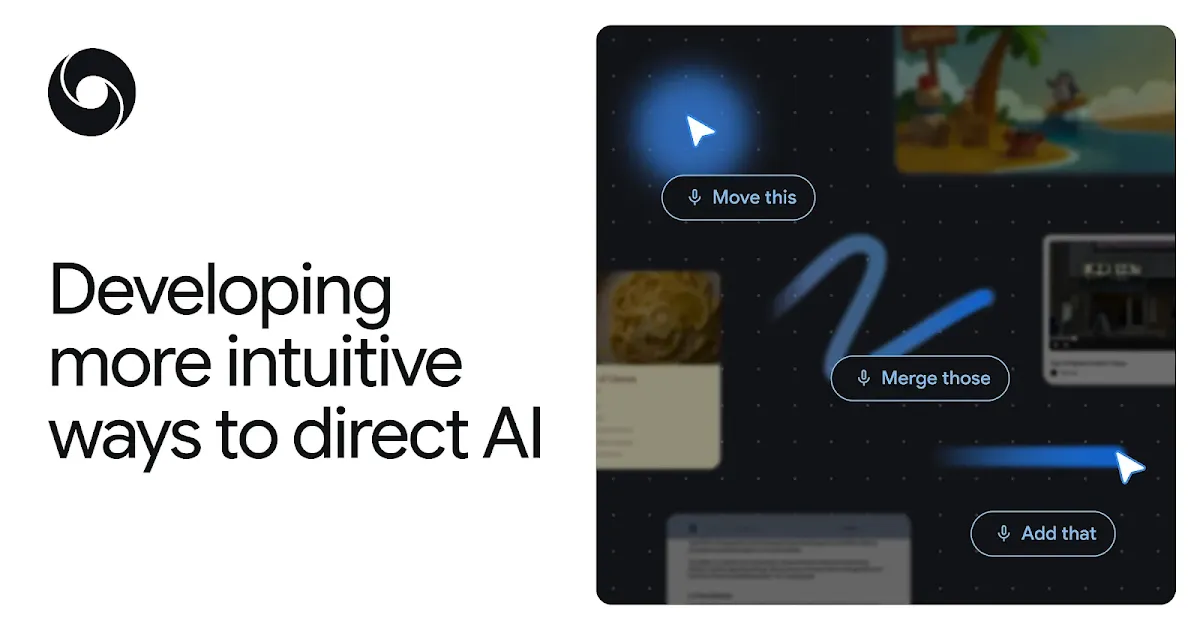
- What happened: Google DeepMind published a Gemini-based
AI-enabled pointerexperiment.- The May 12, 2026 post also points toward Gemini in Chrome and the upcoming Magic Pointer experience for Googlebook.
- Why it matters: The center of AI interaction is moving from typed prompts to screen context, pointing, and compact voice commands.
- Builder impact: If AI reads what users point at, semantic HTML, accessibility trees, labels, permissions, and preview states become part of the agent interface.
- The product question is no longer only "which model answers best" but also "which surface understands user intent first."
- Watch: The demos are compelling, but privacy, app boundaries, target ambiguity, and action confirmation will determine whether pointer-based AI can be trusted.
Google DeepMind published a research post on May 12, 2026 about reimagining the mouse pointer for the AI era. At first glance, that can sound like a small user-interface experiment. The more interesting signal is where Google thinks the center of AI interaction is moving. Most AI products still ask users to open a separate window, explain the current context, and write a prompt. DeepMind's direction is the reverse: let the AI follow what the user is already seeing, pointing at, and briefly asking for.
This is not a new Gemini model release. It is not a benchmark story. It is a more basic interface question. If multimodal models are now strong enough to understand images, documents, maps, tables, and application state, why should users keep translating visible context back into text? If the user is already looking at a screen and pointing to an object, that gesture can become part of the prompt.
DeepMind calls the existing friction an "AI detour." A user leaves the document, image, web page, or table where the work is happening, opens an AI surface, then copies or describes the context all over again. The promise of an AI-enabled pointer is to remove part of that detour. Instead of dragging context to the assistant, the assistant comes to the pointer.
The Pointer Becomes Context
For decades, the mouse pointer has done roughly the same job. It tells the computer where the user is pointing. Click selects. Drag moves. Hover reveals a hint. Operating systems, browsers, document editors, and design tools were built around that assumption. The pointer passes coordinates, but it does not understand the meaning of those coordinates.
The AI-enabled pointer tries to change that layer. The pointer would no longer only represent "where." It would also help identify "what" the user is pointing at and, in combination with a command, "why" the user is pointing there. DeepMind gives an example where someone points at a building in an image and asks for directions. In the old flow, the user might save the image, identify the building, search a map, and transfer the result. In the new flow, the pointer specifies the visual target, Gemini interprets the object, and the command can be much shorter.
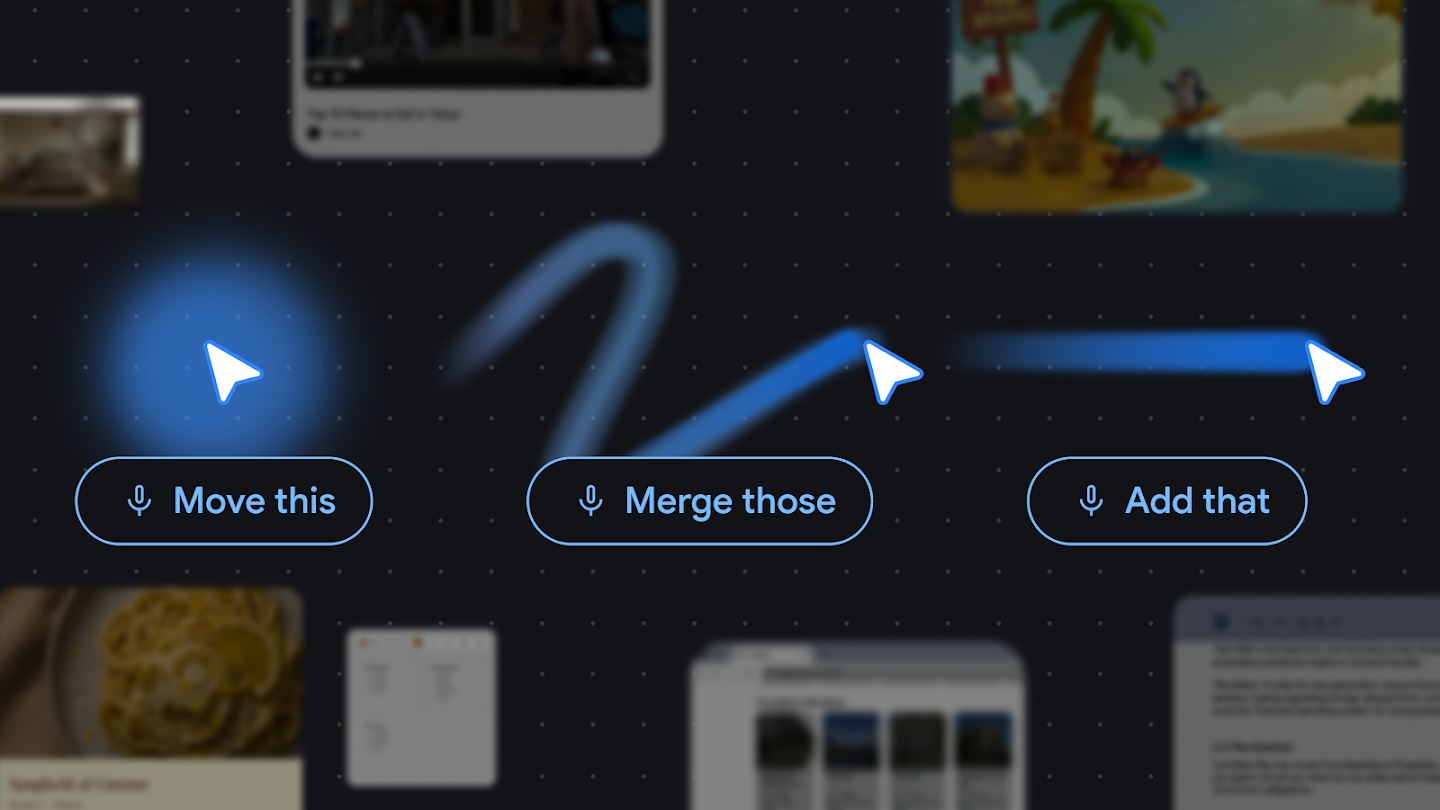
That small interaction has large consequences for AI product design. Chatbot-style AI is fundamentally a conversation partner. The user turns a request into a question and sends it across. Pointer-based AI is closer to a tool on the work surface. It can operate on top of a document, image, web page, map, spreadsheet, or code block. Phrases like "turn this table into a chart," "summarize this paragraph for an email," or "find a reservation link for that restaurant" become meaningful because "this" and "that" are grounded in the screen.
DeepMind's four design principles make the direction explicit. First, maintain the flow: AI should not pull users away from the app where they are working. Second, show and tell: pointing plus a short phrase should replace long context-setting prompts where possible. Third, embrace the power of "this" and "that": human collaboration already relies on gesture and shared context. Fourth, turn pixels into actionable entities: a date, location, product, paragraph, or code block on screen should become something an AI system can act on.
The UI Absorbs Prompt Work
One paradox of current AI tools is that better models often demand better prompting from the user. The user still has to explain which file matters, which table should be transformed, which image region should change, what output format is needed, and where the result should go. Multimodal input and tool calling help, but if the context is passed incorrectly, the answer still drifts.
The AI-enabled pointer moves some of that burden into the interface layer. The selected region, the visual information around the pointer, the page DOM, the app's semantic structure, and a short spoken instruction can become model input together. That does not eliminate prompting. It shifts part of the prompt from explicit text into interaction.
Imagine a shopping page where a user selects a few products and says, "compare these." In a chatbot flow, the user has to copy product names, prices, specs, and links. Even a browser sidebar may only understand the whole page in a broad way. With a pointer-driven flow, the selected products are the comparison set. The AI focuses on the objects the user actually indicated rather than summarizing everything visible.
That distinction matters. "The model can read the page" is not the same experience as "the model understands the thing I just pointed at."
DeepMind also shows demos in Google AI Studio around image editing and location lookup. In image editing, the user can indicate the part of the image that should change. In map-like use cases, a visible object becomes the starting point for search or action. The same interaction pattern could spread across image generation, document editing, web search, maps, shopping, workplace tools, and internal dashboards.
Why Chrome And Googlebook Matter
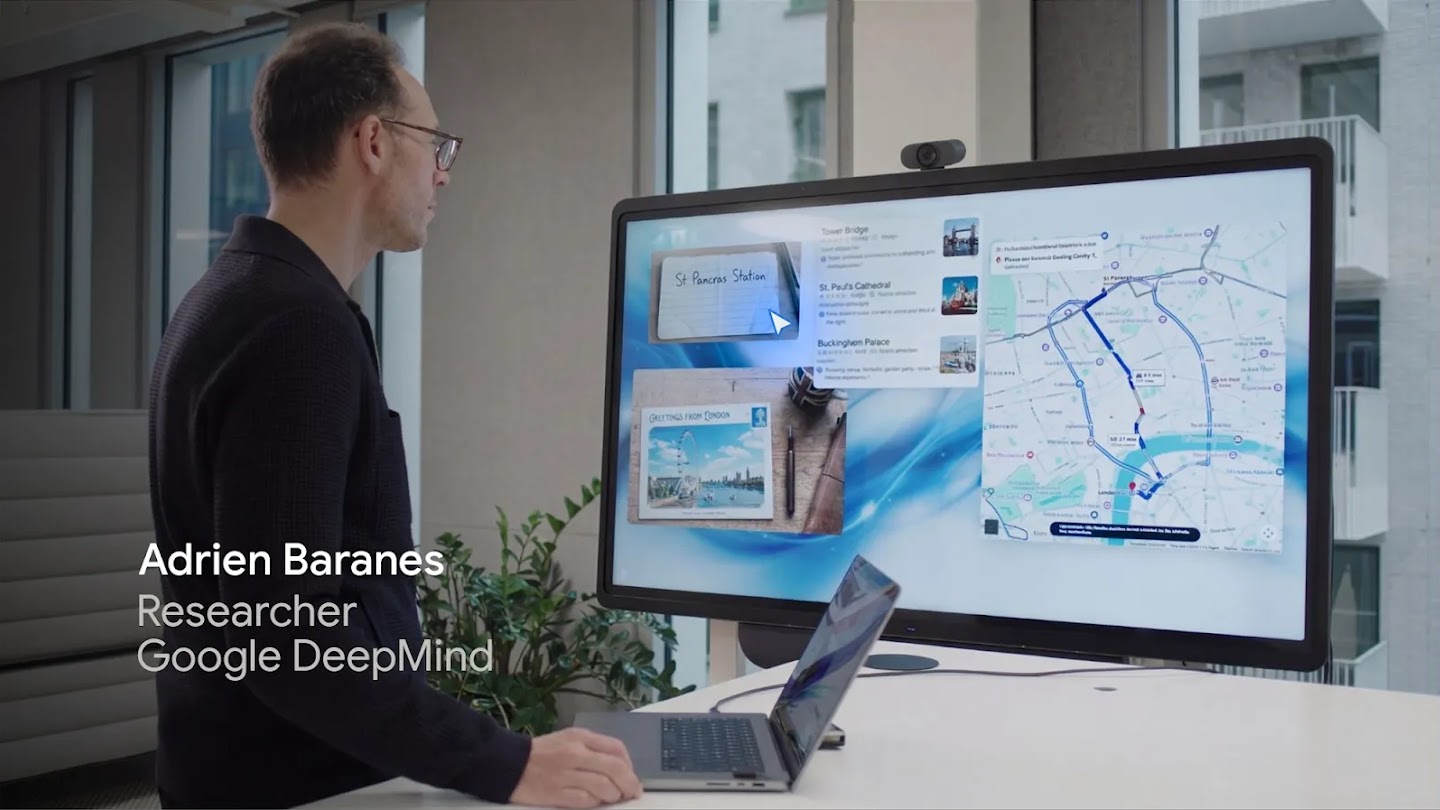
The most important part of the announcement is not the lab demo. It is the product surface. DeepMind says the team is integrating these principles into Chrome and the new Googlebook laptop experience. In Chrome, users will be able to ask Gemini about a specific part of a web page through the pointer. Googlebook is expected to include Magic Pointer. Google Labs' Disco is also positioned as a place for continuing experiments.
Chrome is not merely a browser. For many users, it is where work happens: SaaS apps, documents, dashboards, commerce flows, admin tools, issue trackers, and internal systems all live there. If an AI pointer becomes part of Chrome, AI is no longer just a feature inside one app. It becomes a layer over web usage. A user can move between Notion, Gmail, Docs, Sheets, GitHub, Stripe Dashboard, and an internal console while the pointer remains the common interaction primitive.
Googlebook's Magic Pointer pushes the idea closer to the operating-system layer. The AI surface is not limited to one browser tab. It can become part of the laptop experience. The public details are still limited, but the strategy is clear enough: Google is pushing Gemini into Search, Workspace, Android, Chrome, and now the most basic input surfaces of the computer.
That puts the move next to Microsoft and Apple. Microsoft is placing Copilot across Windows and Edge. Apple Intelligence ties AI to system apps and personal context. Perplexity is trying to make the browser itself more agentic. DeepMind's pointer experiment asks a slightly different question: not which window should host AI, but whether the basic gesture of computer use can become AI input.
| Interface | User action | Context the AI receives | Main limitation |
|---|---|---|---|
| Chatbot | Open a window and type an explanation | Context the user converted into text | High burden to copy, summarize, and explain |
| Browser sidebar | Ask about the current page | Whole page or selected region | The target of the task can still be too broad |
| AI pointer | Point at an object and speak briefly | Visual input, selection, semantic structure, and spoken intent | Requires permissions, privacy controls, and misrecognition handling |
The Developer Question Is An Interaction Contract
For developers, this announcement is not a call to install a new SDK today. It is a hint about how apps may need to expose meaning to AI interfaces. If AI can read the user's pointer and screen context, applications need to provide structure the AI can understand. Text should be text. Tables should be tables. Buttons should be buttons. Actions that need permission should be represented as explicit actions. Accessibility trees, semantic HTML, stable labels, and predictable UI states become more important.
That connects directly to web accessibility. A UI that assistive technology cannot understand will also be harder for an AI pointer to understand reliably. If something looks like a button but is actually a decorative div with a click handler, the human user, the screen reader, and the AI system all have to infer meaning. The AI era does not make sloppy UI structure cheaper. It makes clear semantic structure more valuable.
Permissions are the next problem. Pointing at an area of the screen should not automatically mean the AI can read every surrounding data field or act on every visible control. Workplace apps contain customer records, financial details, health information, internal documents, credentials, and policy-bound workflows. A useful AI pointer needs clear answers to basic questions: what can it see, what can it do, what data becomes model input, and where are results recorded?
That lines up with the broader enterprise AI governance trend. As AI gets closer to the screen, administrators will ask for more granular control. They will want to know whether the system reads only selected content or surrounding context, whether processing happens locally or remotely, which app boundaries apply, and how actions are logged.
Misfires also matter. Pointers move quickly, and modern screens are dense. If a user says "move this," the system must show which "this" it selected before doing anything consequential. Target highlighting, preview states, cancellation, and permission checks are not minor UI details. They are the trust layer for pointer-based AI. The success of this interface will not depend only on vision models. It will depend on whether users can see what the AI believes it is about to do.
The Race After The Chat Box
From 2023 through 2025, the default AI product shape was the chat box. ChatGPT, Claude, Gemini, and Copilot spread through conversational input. In 2026, that shape is fragmenting. Coding agents moved into terminals, IDEs, background tasks, and GitHub workflows. Workplace agents moved into Slack, Workspace, CRM tools, RPA platforms, and internal systems. DeepMind's pointer work shows a similar shift for consumer and knowledge-work interfaces.
For users, the pitch is convenience. They do not have to write long prompts or break flow as often. For platform companies, the stakes are larger. Whoever controls the pointer, browser, operating system, or app launcher controls the starting point of AI action. In the web era, the central question was who owned search. In the agent era, a central question may be who first understands what the user is looking at and trying to do.
Google has a strong position in that contest. Chrome is a massive distribution surface. Android and Workspace hold everyday and professional context. Gemini is the model layer that Google can attach to those surfaces. The AI-enabled pointer is an interaction idea that links those assets. It is still experimental, and the public implementation details remain limited, but the direction is clear. AI is no longer waiting only inside a chat window. It is trying to follow what the user sees, points at, and intends.
The Questions Still Open
The largest question is not usability. It is trust. In a demo, the pointer understands context and acts naturally. The real web is messier. It has ads, pop-ups, virtualized lists, canvas-based interfaces, iframes, incomplete accessibility metadata, ambiguous controls, and enterprise apps with mixed permission boundaries. For an AI pointer to work reliably in that environment, the browser, operating system, models, and app developers will need shared conventions.
The second question is the data boundary. Pointer-based AI is designed to understand more of what the user sees. That makes the line between convenience and surveillance sensitive. Users and administrators need to know whether the system processes only the selected area, whether it reads nearby context, whether data leaves the device, and how the organization can restrict it. The more intuitive the interaction looks, the more transparent the underlying processing path must be.
The third question is the app ecosystem. If Google pushes pointer-based AI through Chrome and Googlebook, web app developers may feel pressure to make their interfaces easier for AI to parse. At the same time, closed apps and security-sensitive systems may want to restrict pointer AI access. "AI understands the screen" is attractive technically, but it creates new product and policy negotiations.
Even with those caveats, the announcement is an important signal. AI use has been dominated by people who can express intent clearly in prompts. DeepMind's experiment points toward a different interaction model, where people can indicate context naturally and let the computer do more of the translation work. If AI is going to become an everyday tool, users should not have to explain the computer's own screen back to the computer. The AI-enabled pointer is one of the clearest demonstrations yet of that direction.